Creating gems in Ruby
A tutorial on the structure, gemspec, building, and publishing of a Ruby gem.
TL;DR Too lazy to read? Click here.Have you ever struggled to figure out how to create gems and make them open-source? Then this article is for you! :D
After studying some gems that perform more specific functions in depth, I realized that anyone in the community can create a gem. Here is a tutorial:
Requirements
To create your gem, we need a few tools:
- Sublime Text — https://www.sublimetext.com/
- Ruby — https://www.ruby-lang.org/pt/
- Git — https://git-scm.com/downloads
- RubyGems — https://rubygems.org/
Initial project structure
Create a folder named sua_gem, then use touch to create a .gemspec file. Next, inside your lib directory, create the .rb file for sua_gem. Your files need to look like this:
sua_gem
├── sua_gem.gemspec
└── lib
└── sua_gem.rbCreating the gem
Inside sua_gem.rb we will code the gem’s respective functions. In my case, my gem will return the string “Minha primeira gem!” (“My first gem!”):
# lib/sua_gem.rb
class sua_gem
def self.hello
puts "Minha primeira gem!"
end
endConfiguring the gemspec
After coding sua_gem.rb, we will configure the .gemspec for sua_gem:
# sua_gem.gemspec
Gem::Specification.new do |s|
s.name = 'sua_gem'
s.version = '0.0.0'
s.date = '2019-07-01'
s.summary = "Primeira versão da sua gem!"
s.description = "Minha primeira gem que eu codei"
s.authors = ["Alan Turing"]
s.email = '[email protected]'
s.files = ["lib/sua_gem.rb"]
s.homepage = 'https://github.com/username/gem'
s.license = 'MIT'
endKeep in mind that:
- name = Your gem’s name
- version = Your gem’s version
- date = Your gem’s modification date
- summary = Your gem’s summary
- description= Your gem’s description
- authors = The gem’s authors
- email = The gem owner’s email
- files = Your gem’s path (where you placed your .rb file)
- homepage = Where your gem was uploaded (GitBucket works too)
- license = Your gem’s license (you can find gem licenses online; in this case, I used ‘MIT’)
Ready to publish
At this point, we can use our code, but our friends still cannot install our gem.
For other programmers to be able to use the gem, you need to run a few commands:
First, we need to upload our open-source code:
Github:
git init
hub create
git add .
git commit -m "My first gem"
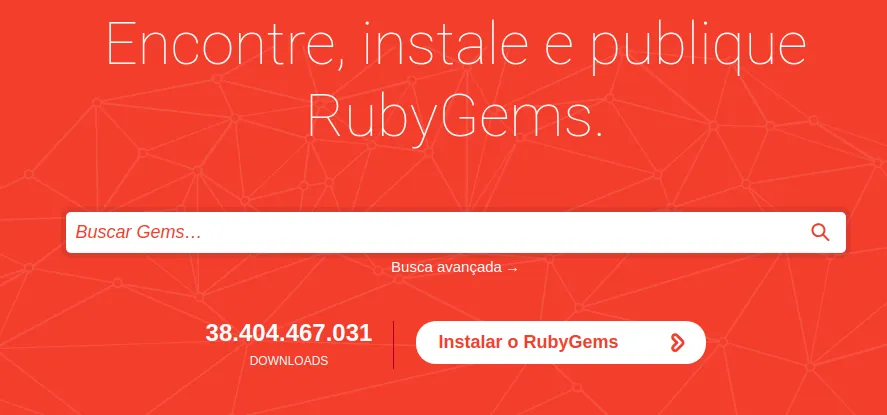
git push origin masterNext, we need to create an account on the RubyGems website.
To set up RubyGems on your computer, we need to run the following command (the command will ask for your RubyGems password):
curl -u (seu-rubygems-nick) https://rubygems.org/api/v1/api_key.yamlFinally, to build our gem, we use a short piece of code in the terminal:
gem build sua_gema.gemspecNow, to check that your gem is working, you can find it on RubyGems! c:
Conclusion
We have now learned a simple and safe way to create a gem! Do not miss the chance to ask questions or leave a suggestion in the comments :)
Thanks!